New: BatchMock 2$19 launch priceEvery color · every view · every lineHalftoneClean linesUpscale 4×Proof cardsPay once · no subscriptionNew: BatchMock 2$19 launch priceEvery color · every view · every lineHalftoneClean linesUpscale 4×Proof cardsPay once · no subscriptionNew: BatchMock 2$19 launch priceEvery color · every view · every lineHalftoneClean linesUpscale 4×Proof cardsPay once · no subscriptionNew: BatchMock 2$19 launch priceEvery color · every view · every lineHalftoneClean linesUpscale 4×Proof cardsPay once · no subscription
Launch price$19Until Jan 1
23 designs×4 colors×3 views=
276 mockups. Batch t-shirt mockups for print-on-demand sellers.
One click, and the whole drop is on every shirt: every color, every view, every line. Then BatchMock checks it, so you don't upload a navy design on a navy tee.
Every color ✺Halftone ✺Distress ✺Clean lines ✺Upscale 4× ✺Cut out ✺Proof cards ✺Shopify WebP ✺Kids · Adult · Women's ✺Hard-to-see flags ✺Every color ✺Halftone ✺Distress ✺Clean lines ✺Upscale 4× ✺Cut out ✺Proof cards ✺Shopify WebP ✺Kids · Adult · Women's ✺Hard-to-see flags ✺
Spec sheet · what's new in 2
Everything. Rebuilt.
No. 01
Batch everything
+
Adult, Kids and Women's lines in one drop file, each with its own product, colors and background. One export makes every image, in folders by design.
Mini drop: one design on one line
Views on or off, per line
Pause, cancel, resume exports
No. 02
Layer studio
+
Background, product, props and design as layers. Click on the canvas to select, drag in real time, snap to guides. Corner-pin posters and mugs, warp text, tuck art behind the shirt.
No. 03
Design effects
+
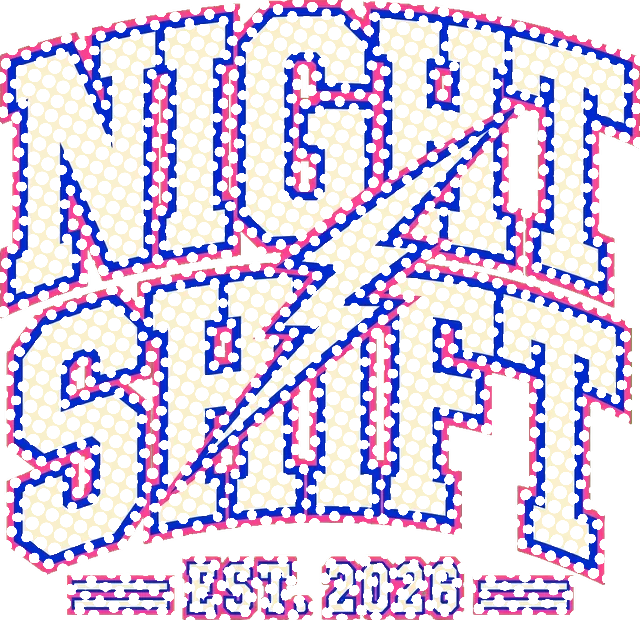
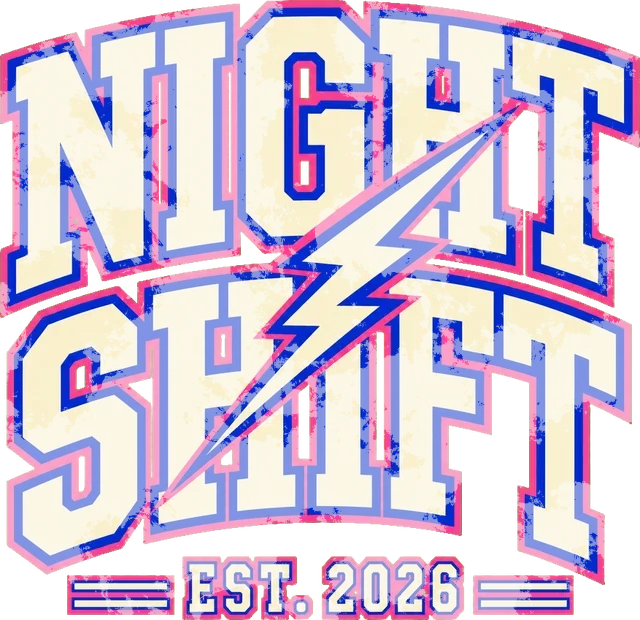
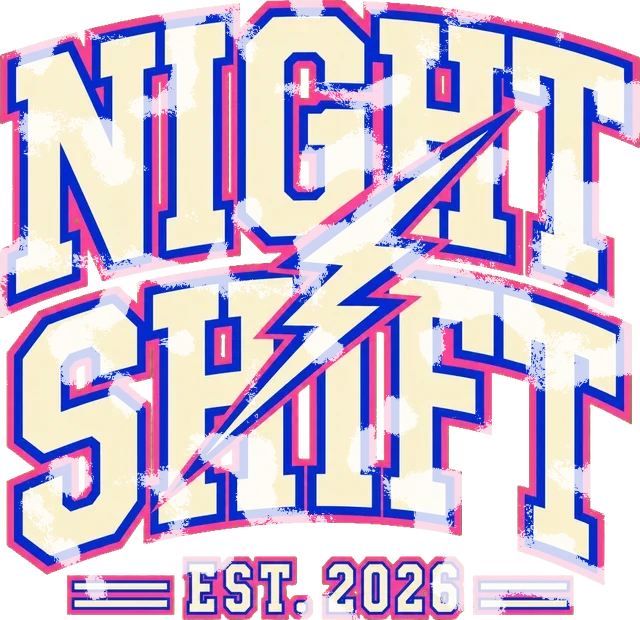
Nine halftone looks, dither, brush layers for distress and cracks, recolor, outline, raised print and bevel. Every effect switchable and editable.
BeforeAfter
Fine grain, one switch in Design Effects.
No. 04
Art rescue
+
Fuzzy art in, sharp art out. All offline, nothing uploaded. Clean lines turns pixels into vectors you can save as SVG, and Cut out finds the subject for you.
BeforeAfter
640 × 532 px → 4500 × 3741 px in two upscale runs: 15 in wide at 300 DPI.
No. 05
Generate with Spiral
+
Optional. Make pictures from a prompt inside BatchMock, with Nano Banana, GPT Image and Grok Imagine models. It uses your own Spiral account and its prepaid balance. Then send the results to Studio or Design Effects.
Scroll the full drop in one view. BatchMock points at the things worth a second look, and never blocks you.
Might be hard to see on Dark Heather
Background may not be removed
Will print faded
Too small: 85 DPI
No. 07
Ship it
+
Proof cards of the whole drop as PDF or image pages. A Shopify preset: 2048 × 2048 WebP, design names in the file names.
PDF, PNG, JPG, WebP
Folders by design and line
Design Effects · rendered by the app
Grunge it. Crack it. Halftone it.
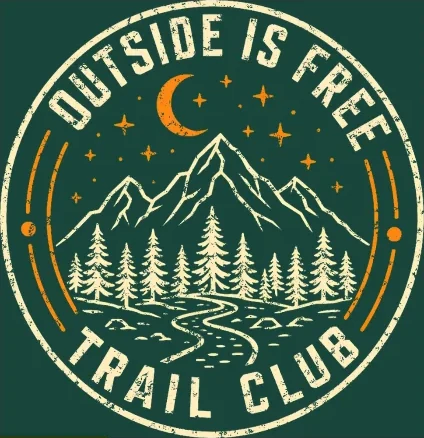
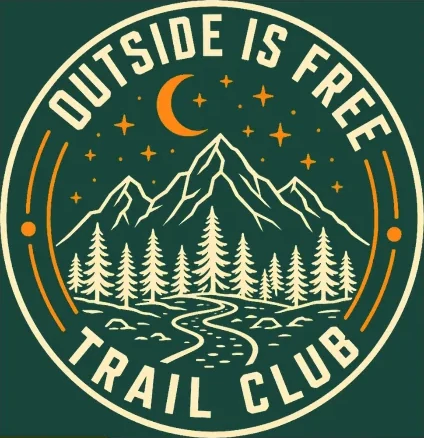
Prints that look like they came off a store rack, not out of a template. One design, six effects, each one switchable and editable. Every picture below is the app's own output.
HalftoneAfter
Cracked inkAfter
Paper wearAfter
Chipped paintAfter
Grid ditherAfter
OutlineAfter
Scenes · rendered by the app
Real scenes. Real fast.
Put the whole drop on a background that comes with BatchMock, or on your own. These shirts came straight out of the app.
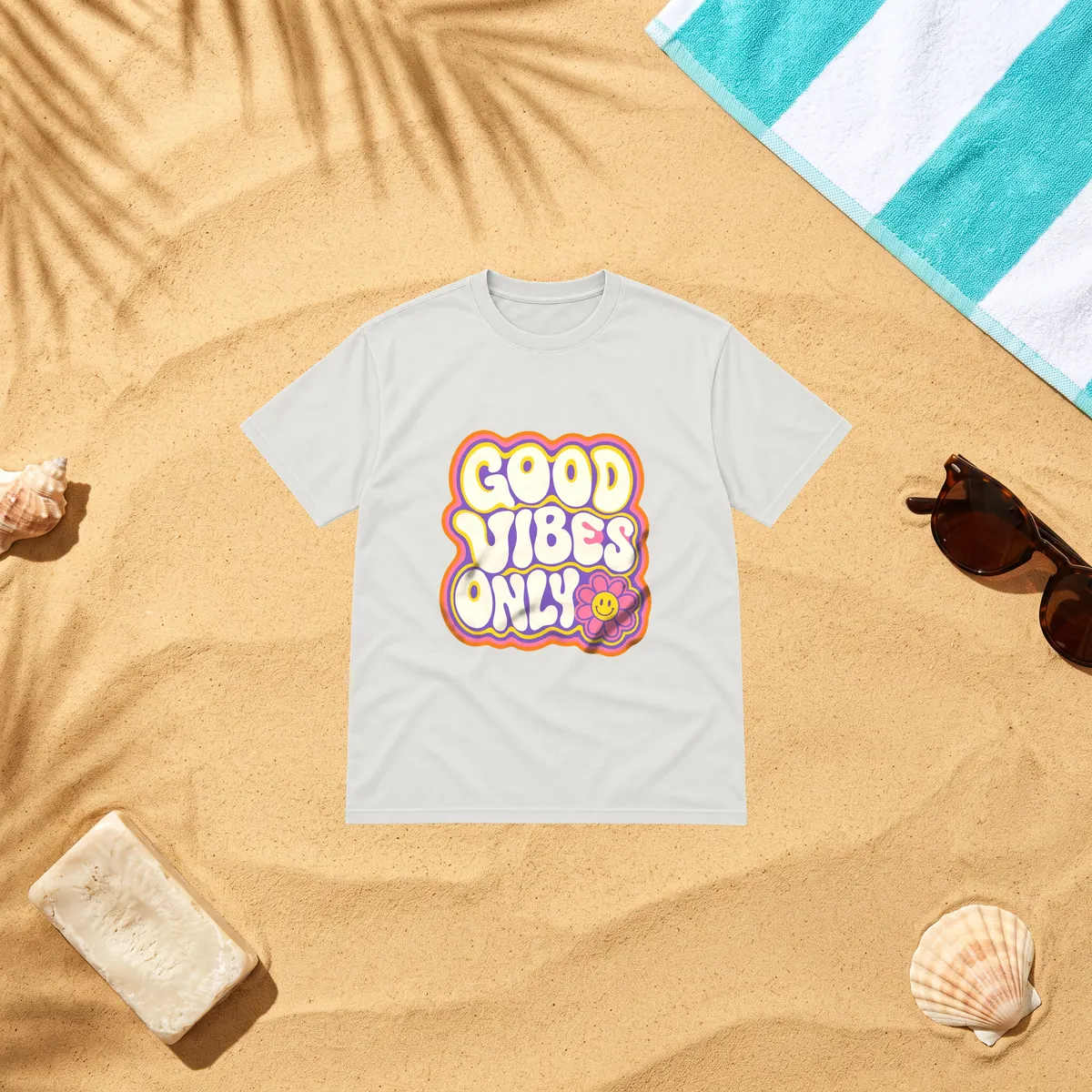
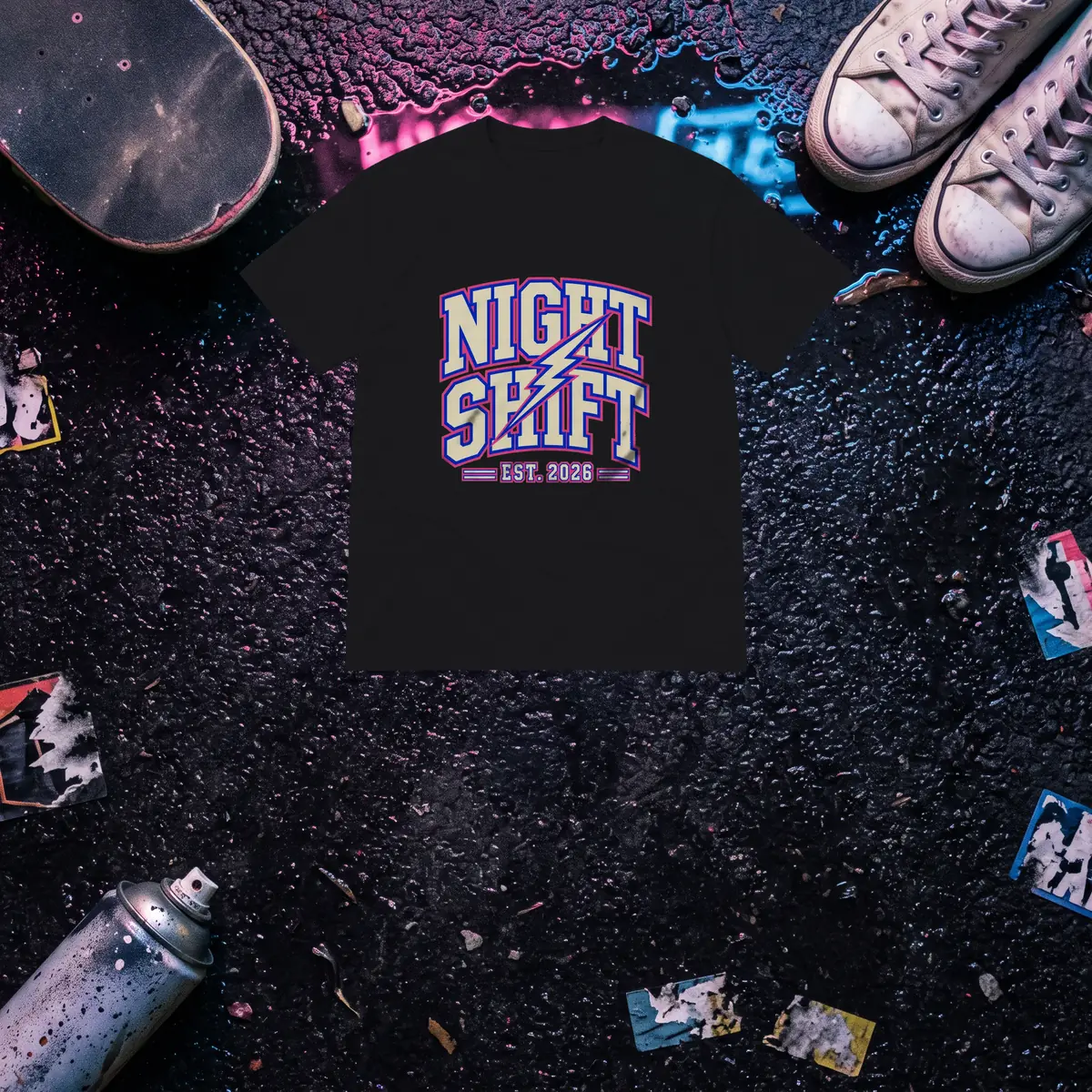
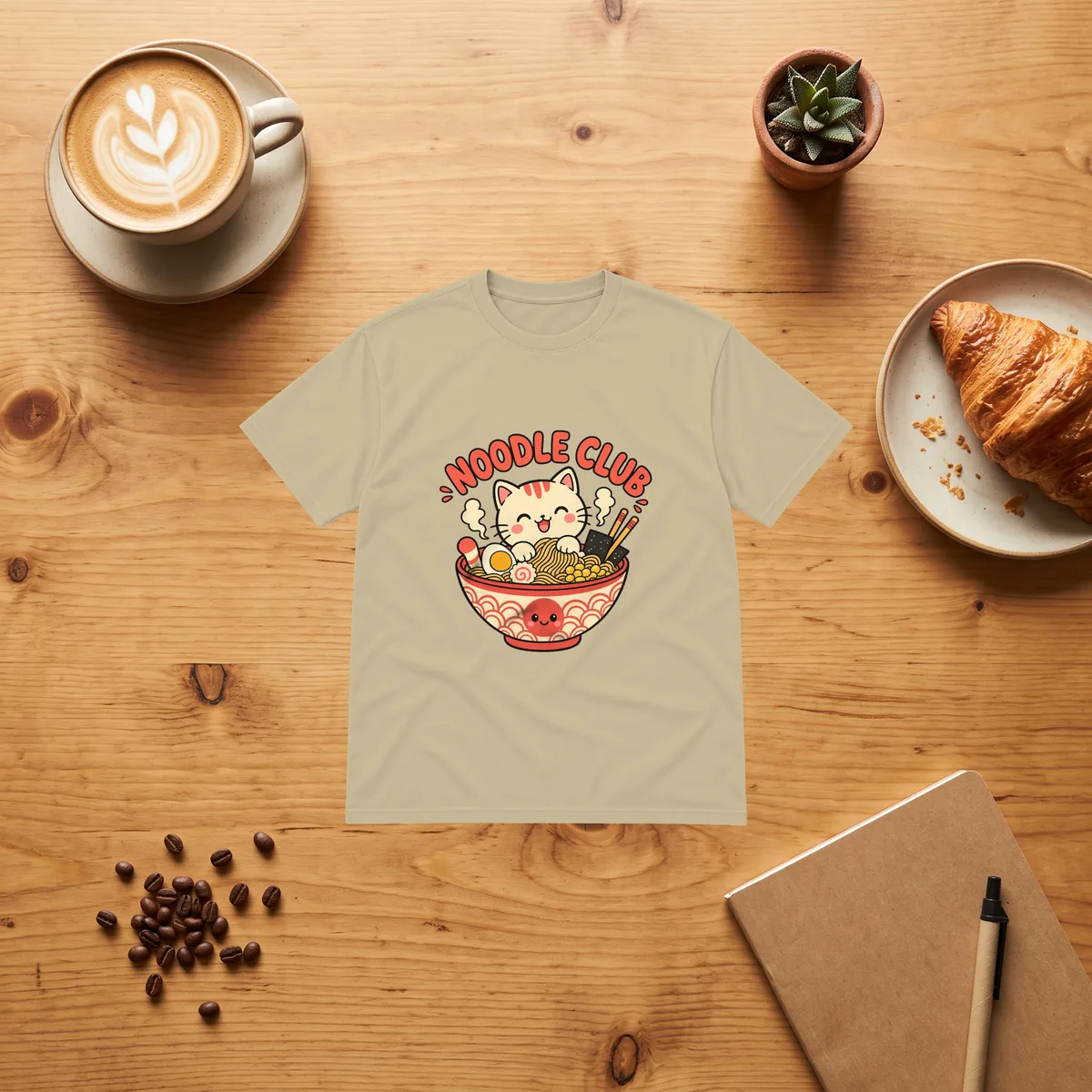
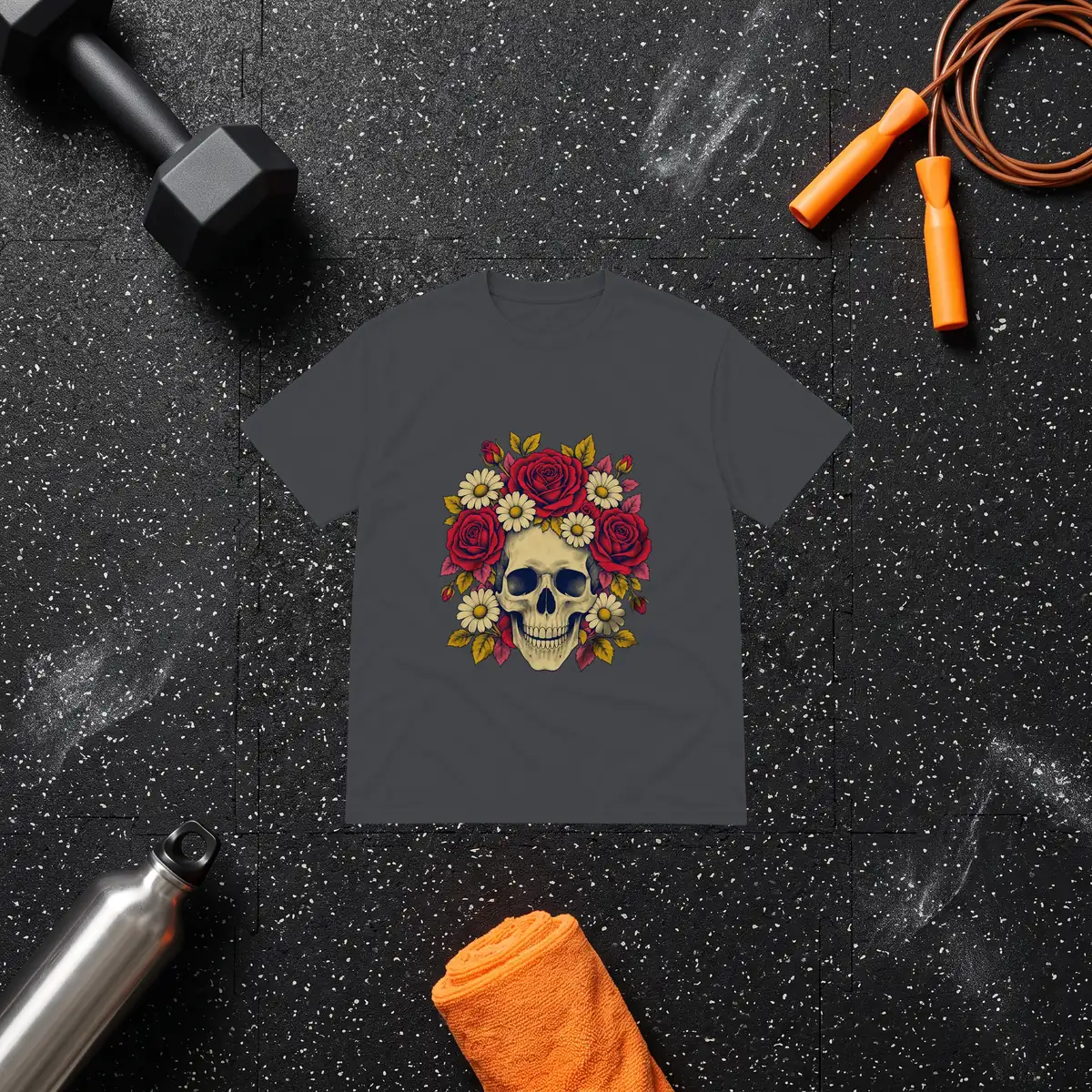
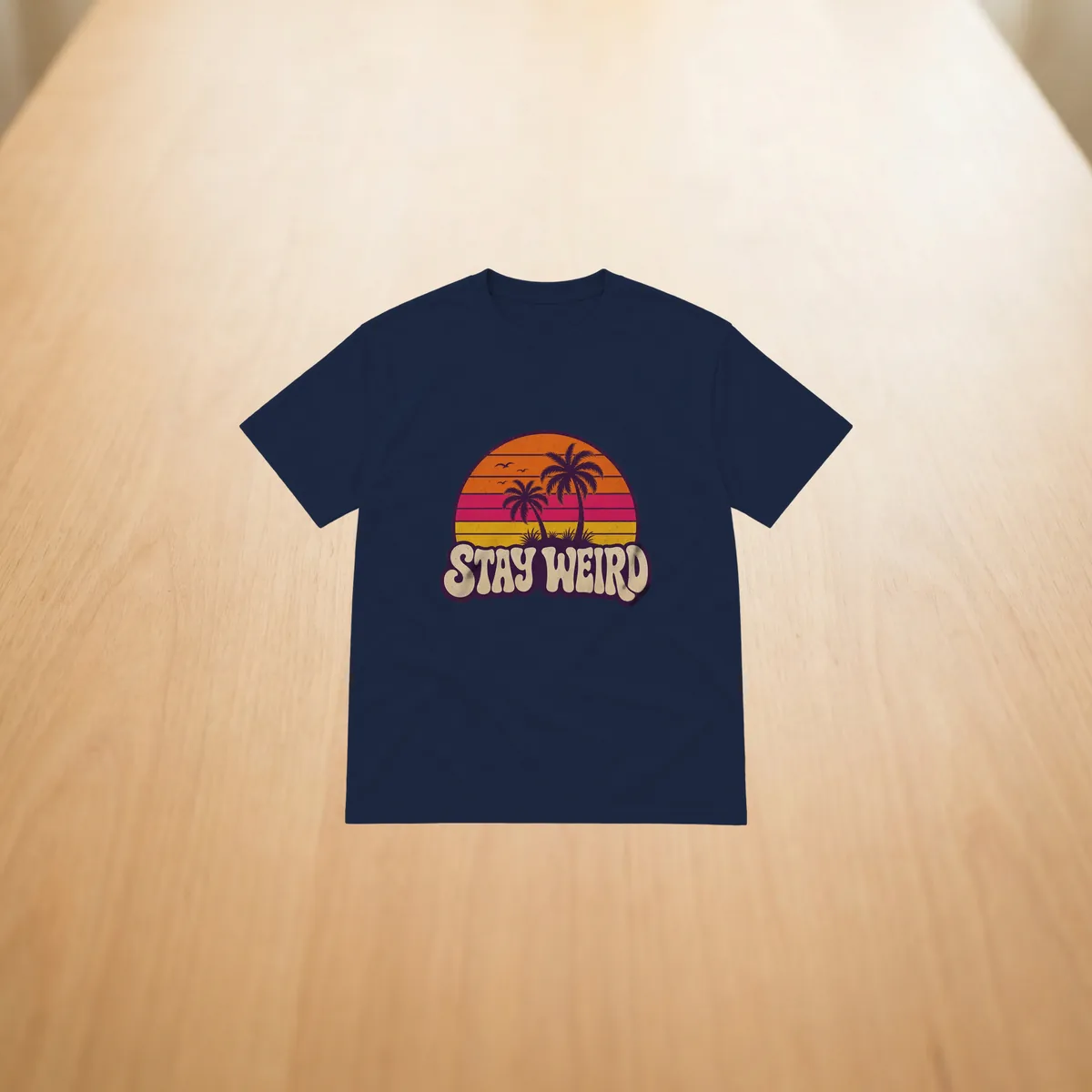
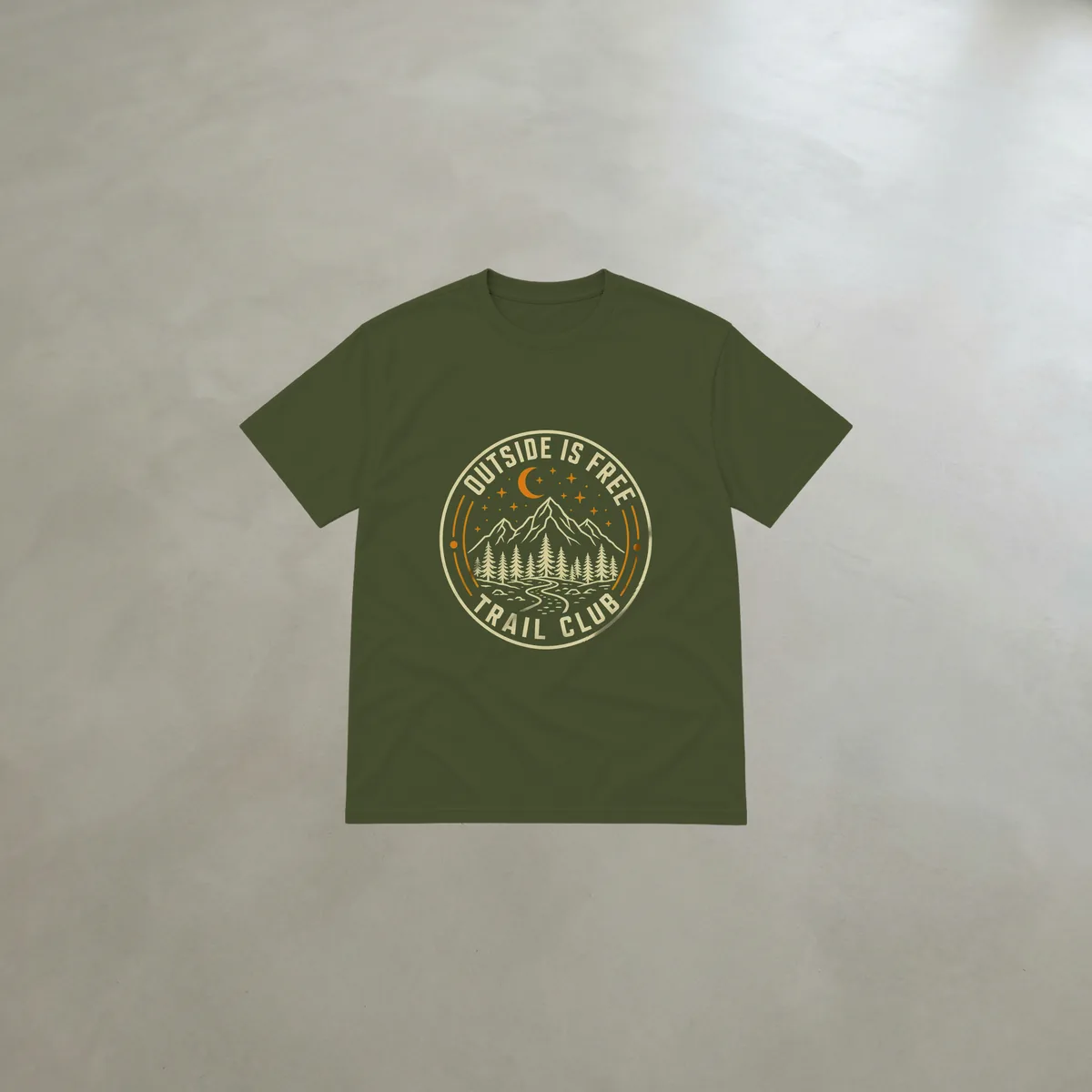
BeachMade with GenerateNeon streetMade with GenerateCafe counterMade with GenerateGym floorMade with GenerateWarm woodIncludedConcreteIncluded
Who it's for · beginners and pros
First drop or fiftieth.
New to print on demand
Start with the 36 starter products and 15 backgrounds that come with BatchMock. Pick a look from the presets instead of building one from scratch. BatchMock warns you in plain words when a design may be hard to see on a shirt color or too small to print sharp, and every control has a short hover tip.
Running a real catalog
Put a whole drop on your Adult, Kids and Women's lines in one export, on your own scenes, with your own Photoshop brushes. Send proof cards to partners, export Shopify-ready WebP with design names in the file names, and pause or resume big exports.
How it works
Four steps. Then coffee.
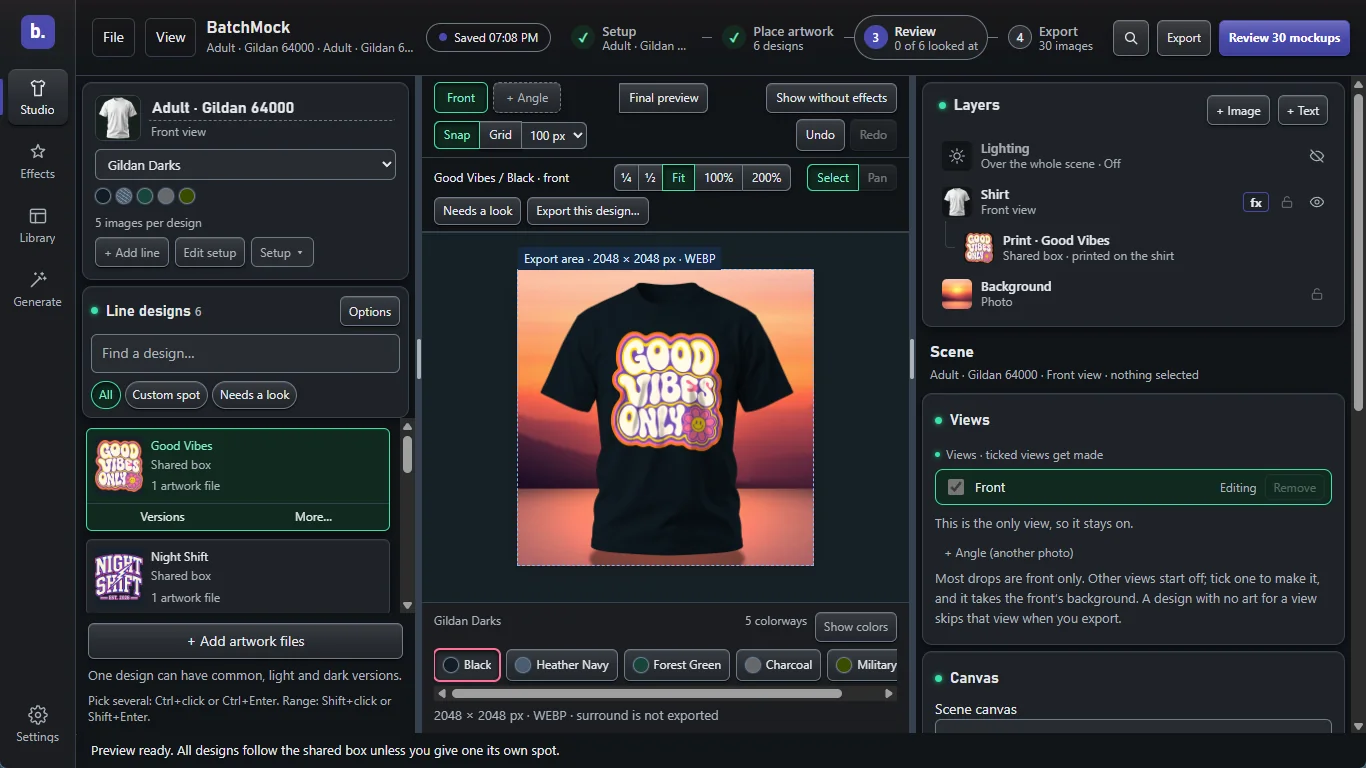
Set upOpen a saved line: product, colors, background.
Place artworkDrop in the designs. One shared print box fits them all.
ReviewScroll the full drop. Flags point at anything off.
ExportFolders by design, named, sized for your store.
Lookbook · starter products included
Not just tees.
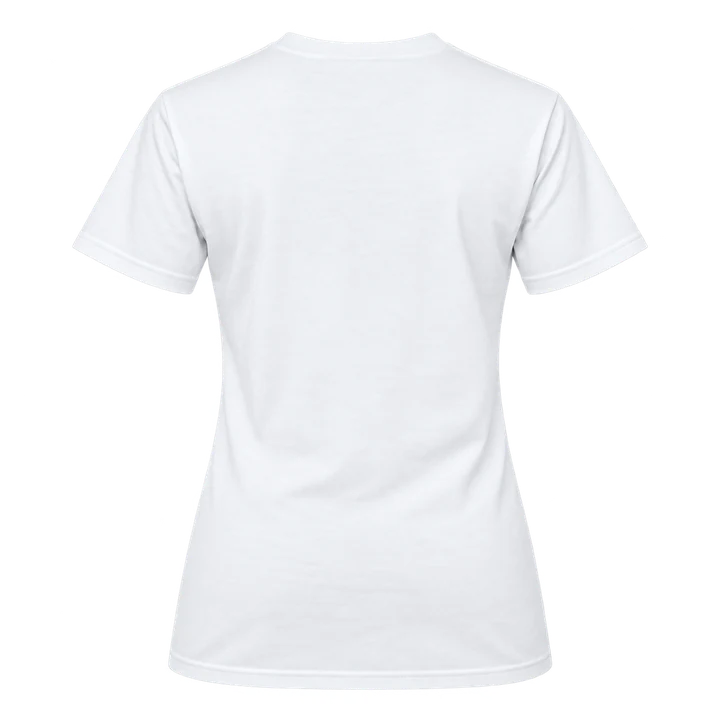
Look 01Tee · back
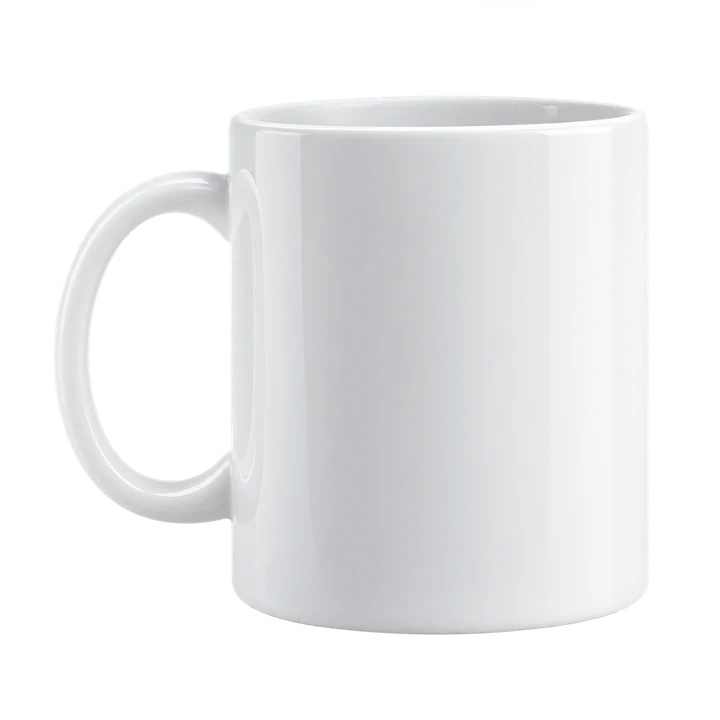
Look 02Mug
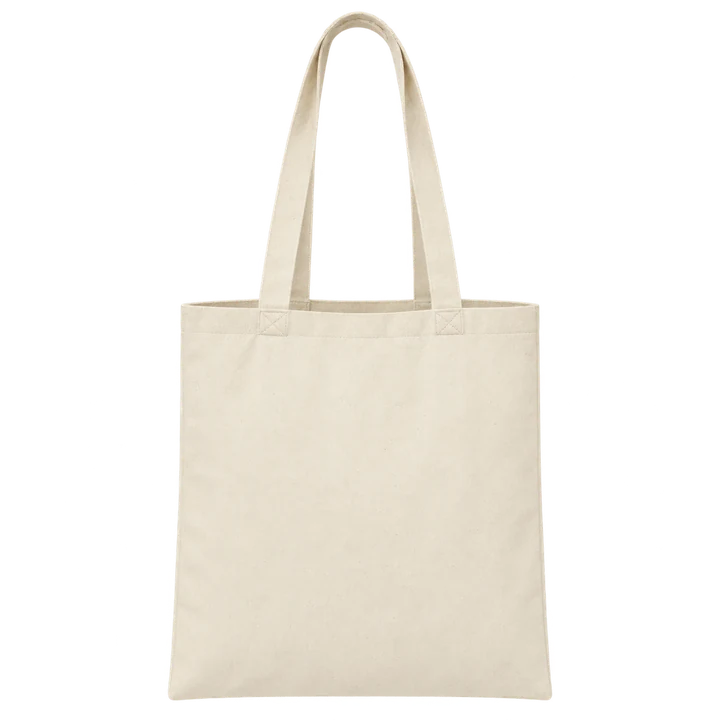
Look 03Tote
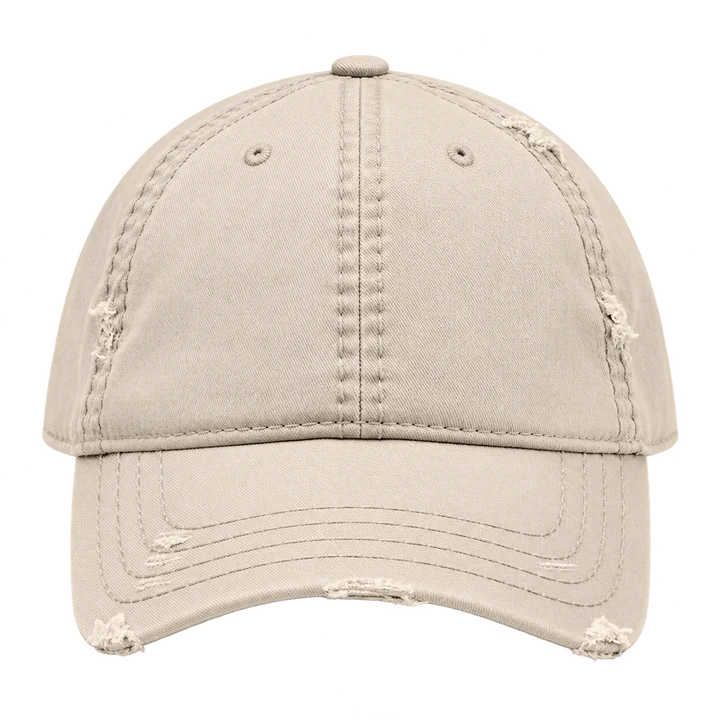
Look 04Cap
Price
Pay once. Own it.
Upscale, vectorize, distress, brushes and batch scenes. One app, one payment.
No subscription. Buy it once for two computers. Versions released during your year of updates keep working after it ends. Generate with Spiral is optional and uses your own Spiral account.
Windows 10 and 11, 430 MB, no admin rights needed. The installer is not code-signed yet, so Windows SmartScreen may warn: click "More info", then "Run anyway".
Or get it from the Microsoft Store: signed by Microsoft, so there is no warning, and it updates itself. Same trial, same license key.